
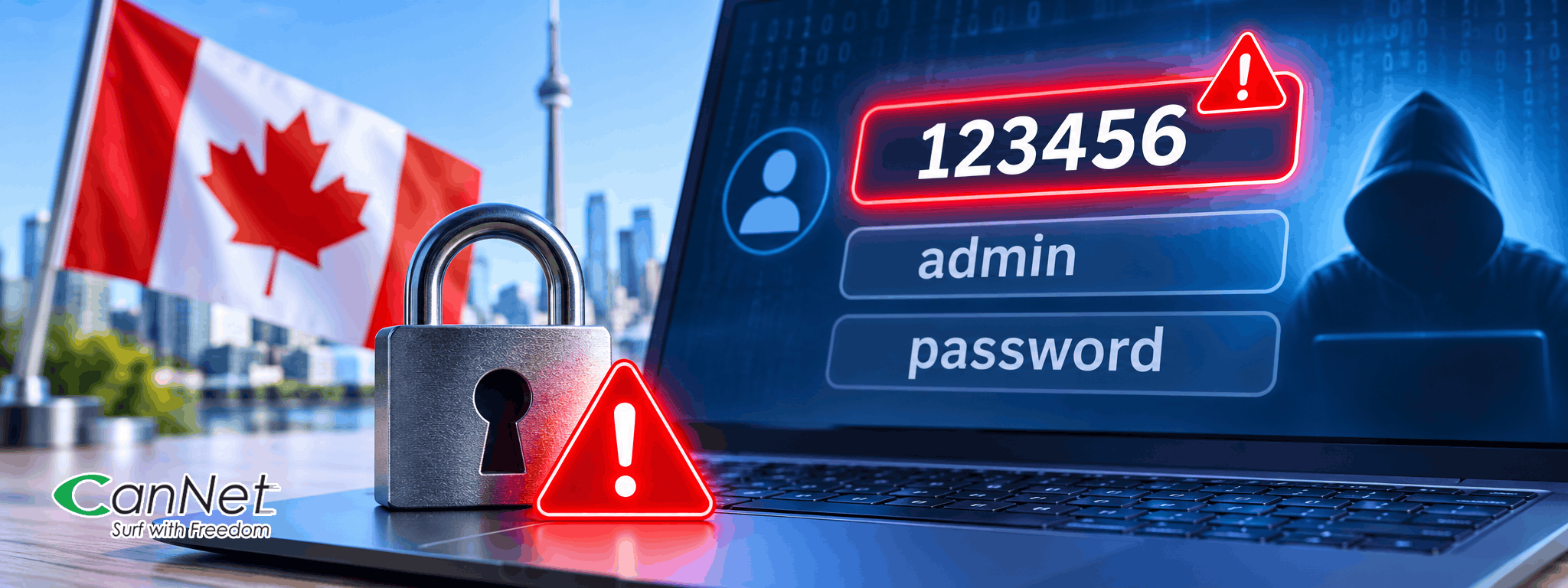
Canada’s Most Common Password Is Still “123456”
It's 2026, and one of
the biggest cybersecurity risks facing Canadians is surprisingly simple: weak
passwords.
A recent report
highlighted by NordPass reveals that “123456” remains Canada's most commonly
exposed password, with “admin” and “password” also ranking near the top.
Despite years of cybersecurity warnings, millions of people continue to rely on
predictable passwords that can be guessed or cracked with relatively little
effort.
The findings are a
timely reminder that protecting your online accounts isn't just about having a
reliable internet connection. It's also about making sure your personal
information stays secure whenever you go online.
The Most Common
Passwords in Canada in 2026
According to the latest password research from NordPass, Canadians continue to favour passwords that are easy to remember – but unfortunately, also easy for cybercriminals to guess. Here are the top 10 most commonly exposed passwords in Canada:
- 123456
- admin
- password
- 12345678
- sunshine
- 1234
- cobrajet
- 123456789
- december31
- Password
While some of these
passwords might seem convenient or harmless, they can leave your online
accounts vulnerable. Cybercriminals frequently use automated tools to test
commonly used passwords against online accounts. These attacks can involve
thousands or even millions of guesses, making simple passwords particularly
easy targets.
What's more, making a
small change to a weak password doesn't necessarily make it secure. Switching
“password” to “Password1” or simply adding an exclamation mark may seem like an
improvement, but attackers are familiar with these predictable variations.
The good news? A few
simple changes to your online habits can go a long way towards protecting your
personal information.
5 Simple Ways to
Protect Your Online Accounts
The good news is that
improving your password security doesn't have to be complicated. A few
practical changes can make a meaningful difference.
1. Use Longer,
Stronger Passwords
Instead of relying on
short passwords or predictable number combinations, choose longer passwords
that are difficult to guess.
A passphrase made up
of four or five unrelated words can be easier to remember while providing much
stronger protection than a short, predictable password.
Avoid using personal
information such as your birthday, phone number, family members' names or
favourite sports teams.
2. Never Reuse
Passwords
Every important online
account should have its own unique password. Why? If one of your accounts is
compromised, reusing the same password could put your other accounts at risk
too. This is especially concerning when it comes to email, banking, shopping,
and social media accounts.
If remembering dozens
of passwords sounds overwhelming, consider using a reputable password manager.
It can generate strong, unique passwords and securely store them for easy
access.
3. Enable
Multi-Factor Authentication (MFA)
Multi-factor authentication adds another layer of protection beyond your password. Depending on the service, this could involve:
- An authentication app
- A one-time verification code
- A security key
- A biometric verification method
Even if someone
obtains your password, MFA can make it significantly harder for them to access
your account. Enable it wherever possible, especially for email, banking and
other sensitive accounts.
4. Change Default
Router and Device Passwords
This is particularly
important for your home network. Routers and smart home devices may come with
default administrator credentials. Leaving these unchanged can create
unnecessary security risks.
When setting up a new
router or connected device, review its security settings and replace default
login credentials with strong, unique passwords.
Also, make sure your
device firmware is kept up to date.
5. Be Careful with
Suspicious Emails and Links
Even a strong password
won't protect you if you accidentally hand it over to a scammer.
Phishing emails and
fraudulent websites often imitate legitimate businesses, banks or service
providers to trick people into revealing their login information.
Before clicking a link or entering your credentials:
- Check the sender's email address.
- Look carefully at the website address.
- Be cautious of unexpected password-reset requests.
- Never share verification codes with someone who contacts you unexpectedly.
When in doubt, visit
the company's official website directly instead of following an unfamiliar
link.
Your Home Wi-Fi
Network Deserves Attention Too
While online account
security gets much of the attention, your home network is another important
part of your digital safety.
Your Wi-Fi router
connects smartphones, laptops, televisions, gaming consoles and other smart
devices to the internet. If it's not properly secured, it could become an entry
point for unauthorized access.
Here are a few ways to keep your home network better protected:
- Use a strong Wi-Fi password: Avoid simple combinations, common words or personal information.
- Change the router's default administrator password: Your Wi-Fi password and router administration password are not necessarily the same.
- Use modern Wi-Fi encryption: Choose WPA2-AES or WPA3 where supported.
- Keep your router updated: Install available firmware updates to address security vulnerabilities.
- Review connected devices: Check periodically for unfamiliar devices on your network.
At CanNet Telecom, we
believe that staying connected should go hand in hand with staying informed
about online safety.
Whether you're browsing, streaming, gaming or working from home, make cybersecurity part of your everyday digital routine.
Looking for reliable
home internet? Explore CanNet Telecom's internet plans and find the right
connection for your household.